
 Business License

How to Choose the Right Security Camera?
The key to choosing a security camera is to first define the usage scenario, then review the core specifications, and finally match the brand and features accordingly. There’s no need to blindly chase high-resolution cameras—the key is finding one that suits your specific environment.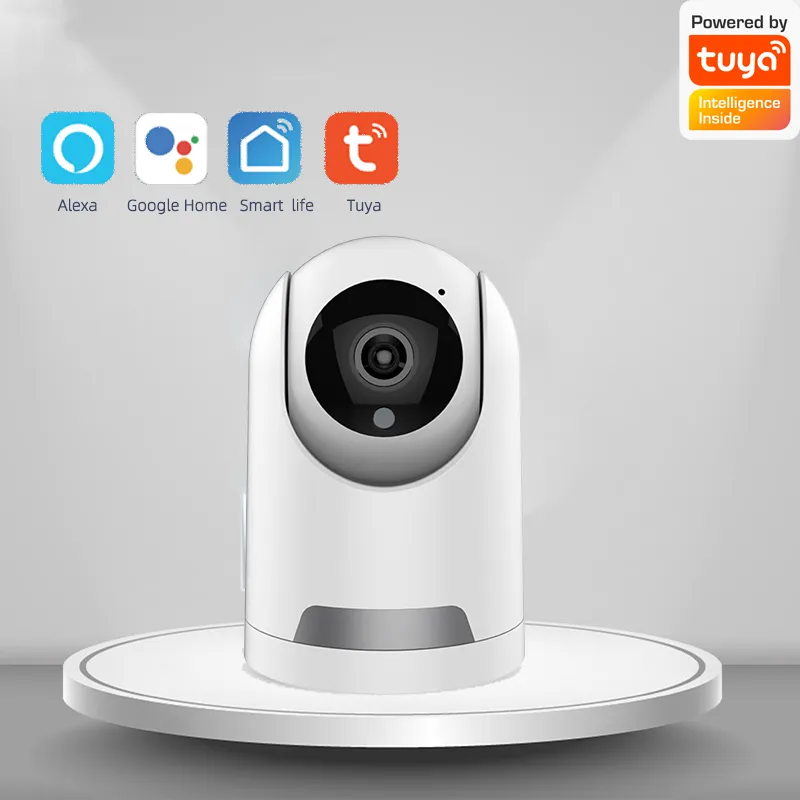
🎯 Step 1: Define the Usage Scenario
Core requirements vary greatly across different scenarios, so first figure out “where to install it and what it’s for”:
Indoor Home Monitoring: Prioritize PTZ (pan-tilt-zoom) models, which can rotate 360° and are ideal for monitoring children, pets, or elderly family members in living rooms and bedrooms.
Outdoor Yard/Entrance: Choose waterproof and dustproof models. For entrances, consider a video doorbell, which provides wide-angle coverage of the entire area in front of the door.
Retail Stores/Warehouses: Focus on panoramic coverage, foot traffic counting, and intrusion alarms to minimize blind spots.
Off-grid environments (orchards/construction sites/remote warehouses): Opt for 4G-connected models that don’t rely on fixed broadband.
🔍 Step 2: Carefully Check Key Specifications
Image Quality and Night Vision
For everyday home use, 5 megapixels is sufficient. For clear identification of faces or license plates, choose 8 megapixels or 4K—but make sure your memory card has enough storage capacity.
For night vision, prioritize “low-light full-color” technology—it’s more practical than traditional infrared night vision’s black-and-white images, as it produces color footage even in very dim lighting.
Don’t just look at the pixel count; sensor size is more important than pixels. A 5-megapixel camera with a 1/2.7-inch sensor often delivers better image quality than an 8-megapixel camera with a 1/3-inch sensor.
Smart Features to Prevent False Alarms
Cameras with AI human detection can filter out false alarms caused by pets, flying insects, or swaying leaves, sending notifications only when someone is present—so you won’t be woken up repeatedly in the middle of the night.
If you have specific needs, you can opt for additional features such as cry detection, gesture-activated alerts, or foot traffic counting.
Connectivity and Power
If you have a stable home Wi-Fi connection, a standard Wi-Fi model will suffice. If you don’t have broadband access, choose a 4G model compatible with all networks, and prioritize models that come with a lifetime data plan to avoid exceeding data limits later on.
For locations without a power outlet, choose a model with a built-in battery that can last for months on a single charge. For long-term outdoor monitoring, pair it with a solar panel to enable continuous, plug-free operation.
Storage Options
Local SD card storage offers strong privacy and low cost, but recordings can be easily lost if the card is damaged.
Cloud storage allows you to view recordings remotely at any time, but requires an annual fee.
Prioritize models that support dual backup via local and cloud storage for greater data security.
Protection Rating
For outdoor use, you must select a waterproof rating of IP66 or higher to withstand harsh environments such as heavy rain, intense sunlight, and dust storms.
🏷️ Recommended Compatible Brands
Professional Security Brands: Hikvision and Ezviz offer stable image quality calibration and high industrial-grade reliability, making them suitable for scenarios with high stability requirements, such as retail stores and outdoor settings.
Cost-Effective Home Brands: Xiaomi, 360, and TP-Link feature simple operation and strong ecosystem integration, making them ideal for general household users.
Ecosystem-Compatible Brands: Huawei ecosystem users should choose Haique; Mi Home users should choose Xiaomi cameras, as they integrate seamlessly with other smart devices in the home for a smoother user experience.
⚠️ Tips to Avoid Pitfalls
Don’t blindly pursue ultra-high resolution—anything above 12 megapixels offers little benefit for typical home use. Instead, it will consume a significant amount of storage space and may cause video stuttering due to insufficient network bandwidth.
Prioritize privacy and security: Choose models with a physical lens cover, close the lens when not in use, update the firmware regularly, and set a complex password to prevent unauthorized access.
During installation, avoid pointing the lens directly at strong light sources, as this can cause overexposure and affect monitoring quality.
Translated with DeepL.com (free version)
Recently Posted
-
What are the most common problems with surveillance cameras? How can they be repaired?
September 29, 2026Most surveillance camera malfunctions fall into four major categories: image quality, connectivity, night vision, and pan-tilt fun Read More
 -
How to Repair a FAKRA Connector?
September 29, 2026The core principles of FAKRA connector repair are: prioritize non-destructive cleaning, avoid aggressive sanding, and replace the Read More
 -
What is a Fakra connector? What are its main functions?
September 29, 2026FAKRA connectors are a high-frequency RF connector system designed specifically for the automotive industry. The name is derived f Read More
 -
What features should a good security camera have?
September 29, 2026The core features of a good surveillance camera include clear and stable image quality, intelligent false-alarm prevention, strong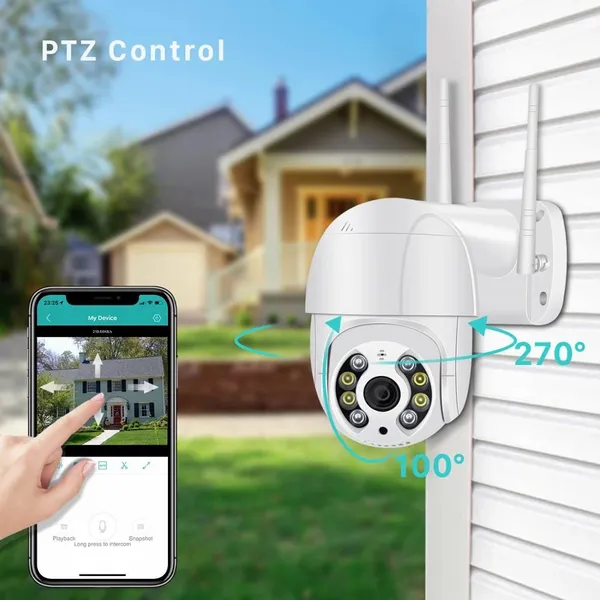 Read More

Contact Us
Recommended Products
-
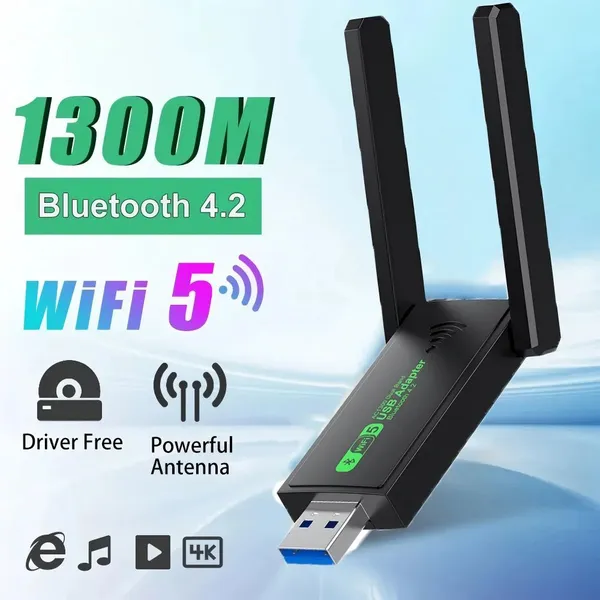
 1300Mbps USB 3.0 WiFi Adapter Network Card Dual Band 2.4G/5GHz Bluetooth 4.2 Wireless Receiver Transmitter For Desktop Laptop PCUS$ 14 - 20MOQ: 100 Units
 -
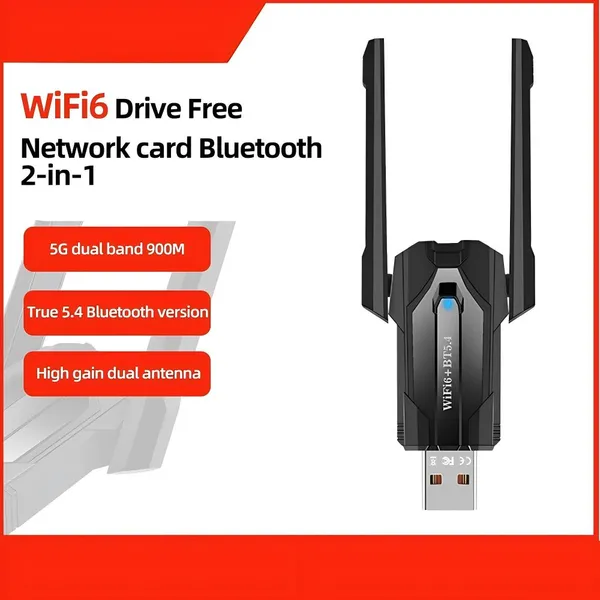
WiFi 6 USB Adapter Bluetooth 5.4 Dual Band 2.4G 5G Antennas WiFi6 USB Network Receiver Dongle Driver Free Win 10/11 For PCUS$ 14 - 20MOQ: 100 Units
-
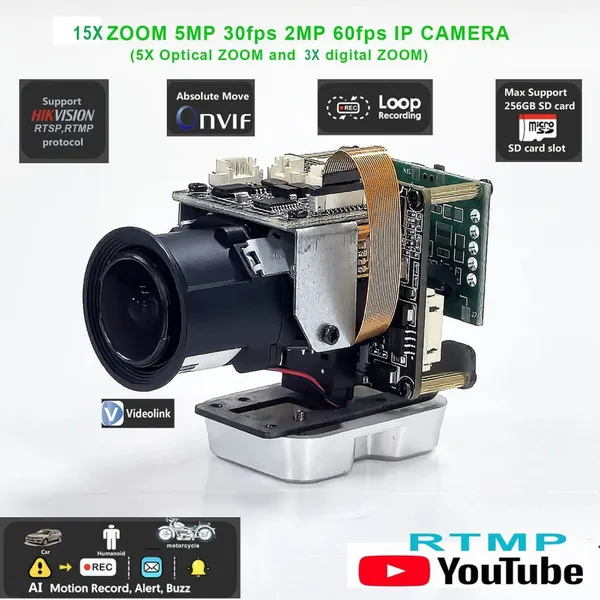
5x Optical Zoom Network Camera Module Mini Optical Zoom Camera Optical Zoom, MacroUS$ 43 - 45MOQ: 50 Units
-
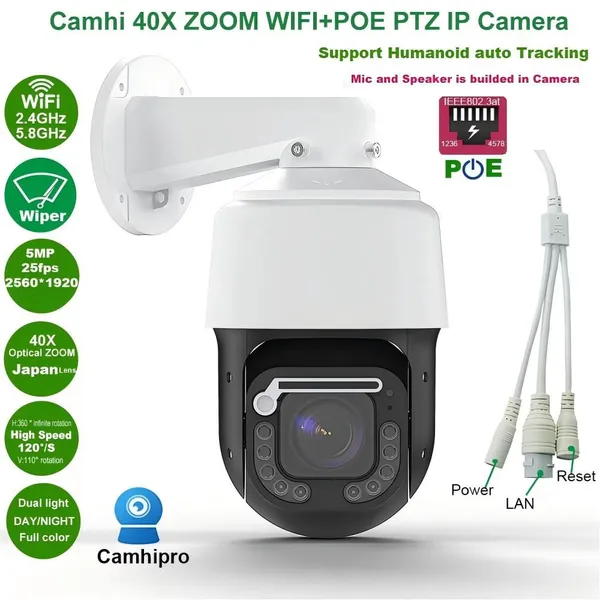
5MP 25fps 40x Zoom Wiper Surveillance Camera; Security Camera; Network CameraUS$ 200 - 220MOQ: 100 Units
-
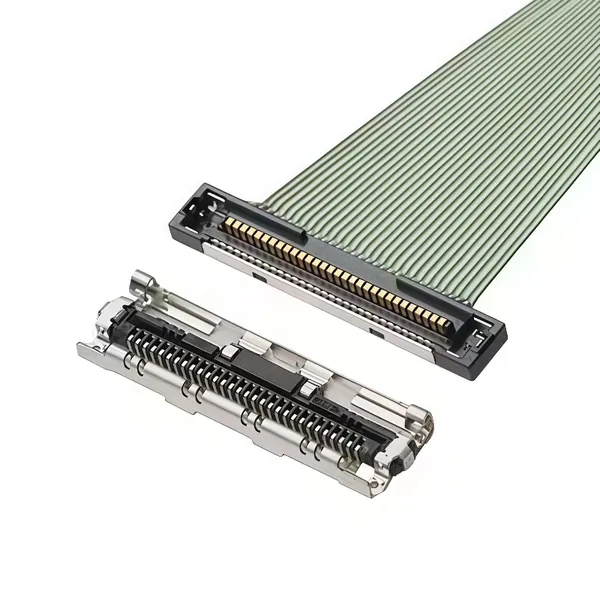
EDP Ultra-fine Coaxial Cable 20453-030T 20633-040T 20345-040T 20877-030TUS$ 9 - 15MOQ: 100 Units
-
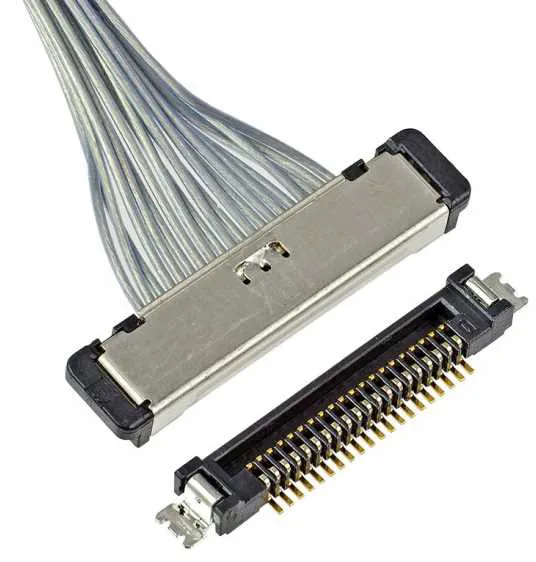
EDP Cable LVDS Harness VBYONE Harness Coaxial Cable 0.5 Pitch 20/30/40/50pinUS$ 7 - 15MOQ: 100 Units
-
MIPI Cable, FPC Cable, Camera Cable, Drone HD Cable, Surveillance Camera HarnessUS$ 8 - 10MOQ: 100 Units
-
4K Video Capture Card USB 3.0 USB2.0 HDMI-compatible Grabber Recorder for PS4 Game DVD Camcorder Camera Recording Live StreamingUS$ 3.0 - 4.0MOQ: 1000 Pieces
-
LU USB 3 Port USB C HUB to Multi USB 3.0 HDMI Adapter for MacBook Pro USB C HUB Laptop Docking StationUS$ 19 - 20MOQ: 500 Pieces
-
1080P FHD Human Auto Tracking Wireless IP CCTV Cameras P2P YCC365 APP Human Track Home Security Surveillance CameraUS$ 19 - 20MOQ: 500 Pieces
-
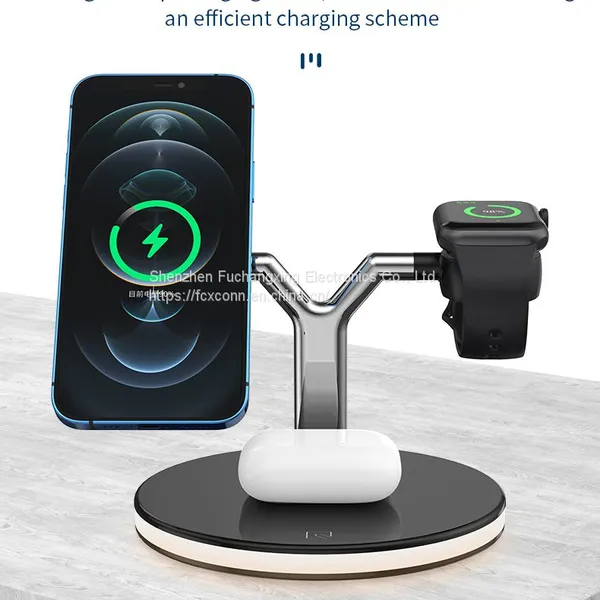
15W 3 In 1 Wireless Chager for IPhone 12S/12Pro IWatch Airpods Pro Magnetic Fast Charging Station Dock Stand Touch LightUS$ 9.5 - 10.5MOQ: 500 Pieces
-
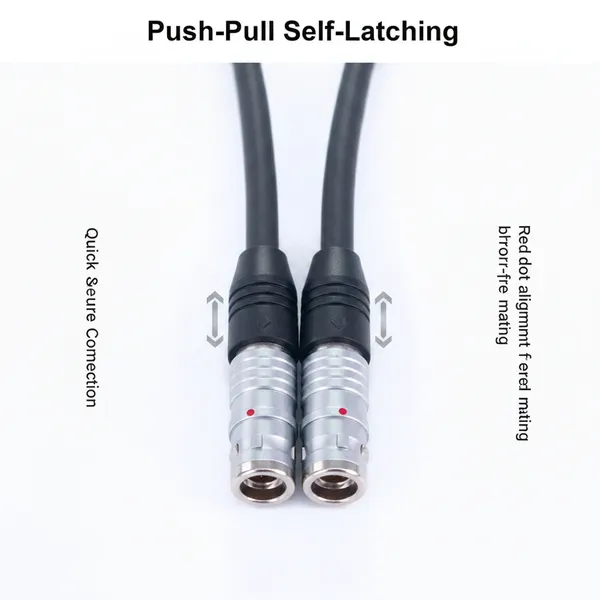
Custom 7Core Aviation Plug Cable Push-Pull Self-Locking Connector Industrial Grade Shielded Wire for Automation Test InstrumentsUS$ 23 - 25MOQ: 100 Units
-
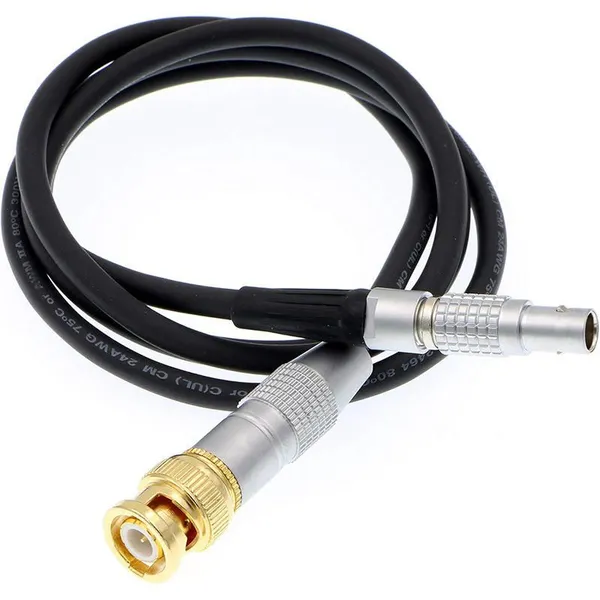
Custom Copper Conductor BNC Male to Push-Pull Self-Locking 5-Pin Male PTFE Insulated 1 Meter Power CableUS$ 23 - 25MOQ: 100 Units
-
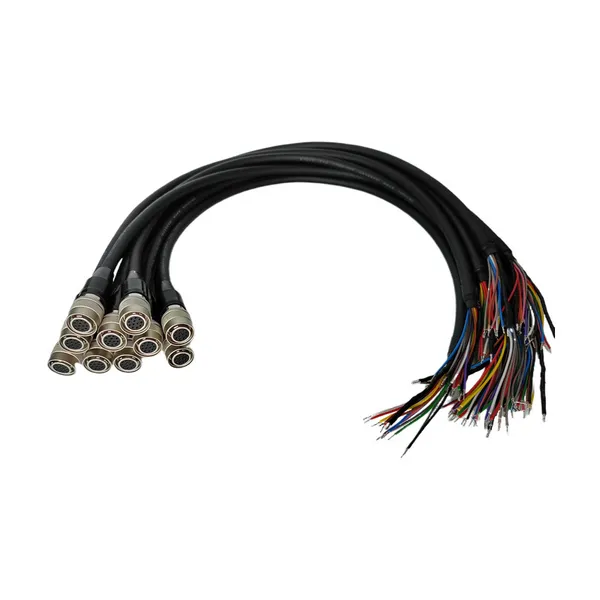
For HR10 Compatible 12Pin Industrial Camera Trigger Cable Push-Pull Self-Locking Drag Chain IP67 Rated for Wire ConnectionsUS$ 23 - 25MOQ: 100 Units
-
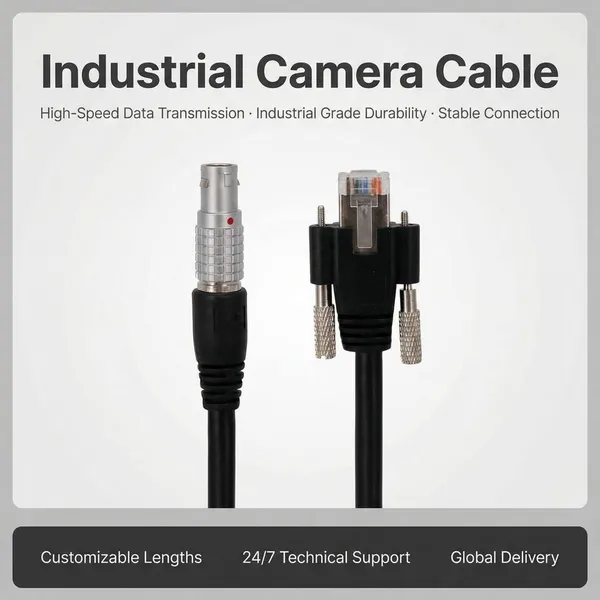
Push-Pull RJ45 Auto Wire Harness M12 Self-Locking Crystal Head PVC Ethernet Cable Industrial Vision AutomationUS$ 18 - 20MOQ: 100 Units
-
Custom Push-Pull Self-Locking Connector Cable Flexible Copper Conductor PVC | 12V 500mm Industrial-Grade Medical Devices TestUS$ 18 - 20MOQ: 100 Units
-
EGG ECG HGG FGG FSB Push Pull 0B 00B 1B 2Pin Connector 3Pin 4 Pin 5Pin Plug for Data Transfer Equipment DeviceUS$ 8 - 10MOQ: 100 Units
-
MS5015 Style 14 Pin 22-19 Radio Spec Connector 90 Degree Circular Adaptor Terminals Copper Contact Material Power ApplicationUS$ 18 - 20MOQ: 100 Units
-
High Quality Mini Coaxial Alternative Medical Cable Electrical Male Female Compatible DIN Metal Connector Quality SupplyUS$ 8 - 10MOQ: 100 Units
-
MIL Aviation Plug Waterproof Connectors Factory Supply 20-29S 17pins Servo Motor Connector Encoder ConnectionUS$ 8 - 10MOQ: 100 Units