
 Business License

What are the most common problems with surveillance cameras? How can they be repaired?
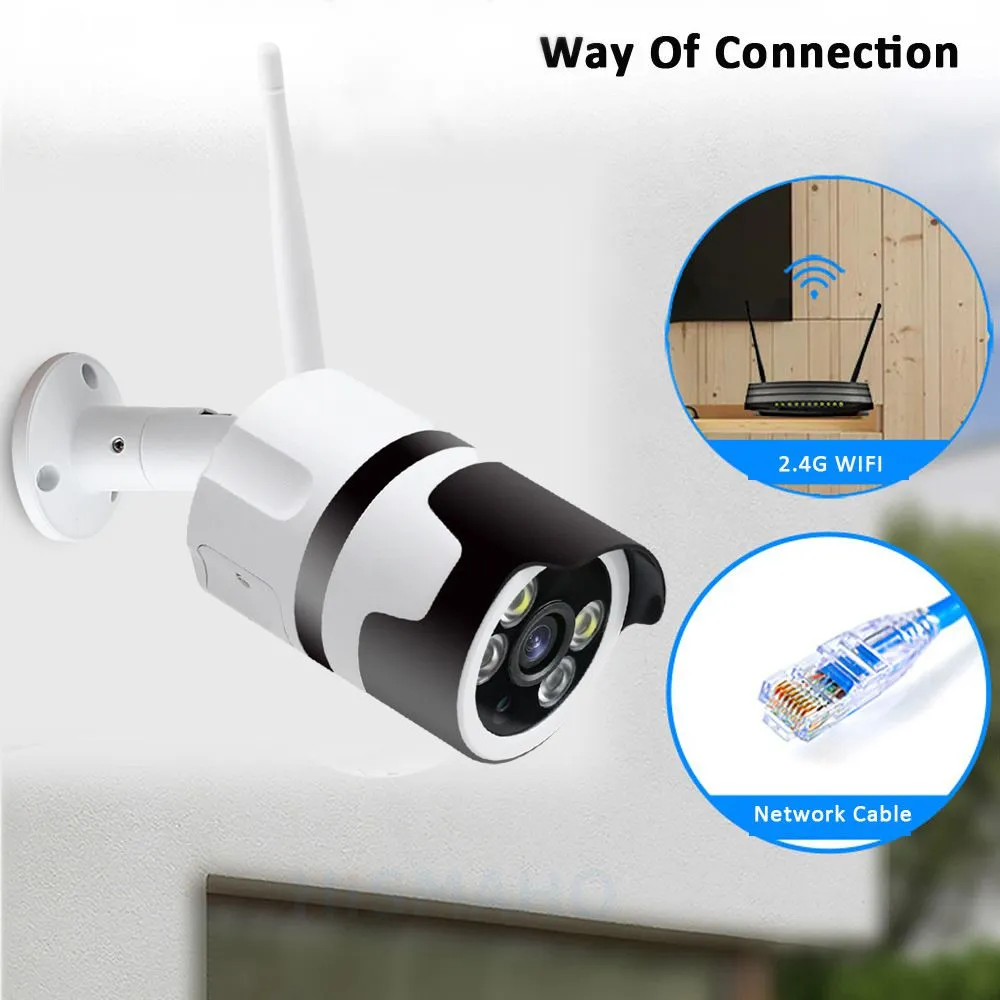
Most surveillance camera malfunctions fall into four major categories: image quality, connectivity, night vision, and pan-tilt functionality. Eighty percent of these issues can be quickly resolved through standard troubleshooting procedures without replacing the entire unit. Below are standardized repair procedures organized by fault type:
⚠️ Pre-Repair Guidelines
Follow the troubleshooting sequence of “software before hardware, simple before complex”: First, power off and restart the device, then check the configuration settings, and finally inspect the wiring and hardware to avoid secondary damage caused by improper disassembly; When working with high-voltage circuits, it is recommended to contact a professional low-voltage technician.
🖼️ Troubleshooting Display-Related Issues
Black Screen/No Image: Use a multimeter to measure the power supply voltage and confirm that the 12V supply is stable; in POE scenarios, verify that the switch’s output power meets requirements. If the power supply is normal but there is still no image, reseat any oxidized or loose RJ45 connectors and check the network cable for continuity.
Stuttering/Skipped Frames: Replace the cable with a Chinese-standard oxygen-free copper network cable and force the switch port to full-duplex mode; for systems with 8 or more surveillance points, upgrade to a Gigabit switch and reduce the camera’s main stream resolution to match the decoder’s processing capacity.
Horizontal stripes/ripple interference: Install a filter capacitor at the power supply input and maintain a distance of at least 30 cm between the surveillance lines and high-voltage power lines; replace the cable with a double-shielded network cable and ensure proper equipment grounding to eliminate rolling stripes.
Blurry/Out-of-Focus Images: Use a lint-free cloth dampened with a small amount of isopropyl alcohol to clean dust from the lens surface; manually fine-tune the lens focus until the image is sharpest; for long-term outdoor installations, regularly clean the lens surface of insects and stains.
📶 Troubleshooting Network Connection Issues
Cannot detect the device: Confirm that the camera and DVR are on the same network segment. For cross-brand devices, manually enable the ONVIF protocol and create a new administrator account to complete authorization.
Frequent disconnections: Keep the network cable length under 90 meters and assign a static IP address to each device to avoid address conflicts. Check the power reserve of the PoE switch; insufficient power supply when infrared is enabled at night will directly trigger a disconnection.
No Video on the DVR: Newer cameras use H.265 encoding by default. If older DVRs are incompatible, manually change the encoding format to H.264 and simultaneously lower the bitrate settings to match the decoding performance.
🌙 Night Vision Troubleshooting
Infrared Over-Exposure Causing Whiteout: Access the camera’s settings to reduce the infrared LED power. Adjust the installation angle to avoid pointing the lens directly at reflective surfaces such as walls or the floor, thereby reducing over-exposure caused by light reflection.
Daytime Color Cast: Power cycle the camera 3–5 times to reset the IR-CUT filter. If the filter is stuck and cannot be reset, replace the filter module to restore normal color reproduction.
Spots or dark shadows in night vision: Replace the illumination lens with one that matches the lens’s field of view, and clean water stains and dust from the lens surface to prevent light obstruction that causes dark spots.
Complete failure of infrared night vision: Check if the photoresistor wiring is loose; if the infrared LED board is worn out, replace it directly with a board of the same specifications to restore nighttime illumination capability.
🎛️ Pan-Tilt and Functional Troubleshooting
PTZ cannot rotate: Check if the mounting load exceeds the limit; confirm that the control protocol (Pelco-D/P) matches the DVR; ensure control signal wires are secure. If the motor is seized, disconnect power and manually rotate it; if this does not resolve the issue, replace the PTZ motor.
Lost recorded footage: Format the SD card or replace it with a surveillance-grade hard drive; enable dual backup (local + cloud storage) to prevent footage loss due to damage to a single storage medium.
Frequent False Alarms from Motion Detection: Enable AI human/vehicle classification detection, define surveillance zones in the backend, and filter out invalid triggers such as flying insects or swaying leaves to significantly reduce the frequency of false alarms.
Recently Posted
-
How to Repair a FAKRA Connector?
September 29, 2026The core principles of FAKRA connector repair are: prioritize non-destructive cleaning, avoid aggressive sanding, and replace the Read More
 -
What is a Fakra connector? What are its main functions?
September 29, 2026FAKRA connectors are a high-frequency RF connector system designed specifically for the automotive industry. The name is derived f Read More
 -
What features should a good security camera have?
September 29, 2026The core features of a good surveillance camera include clear and stable image quality, intelligent false-alarm prevention, strong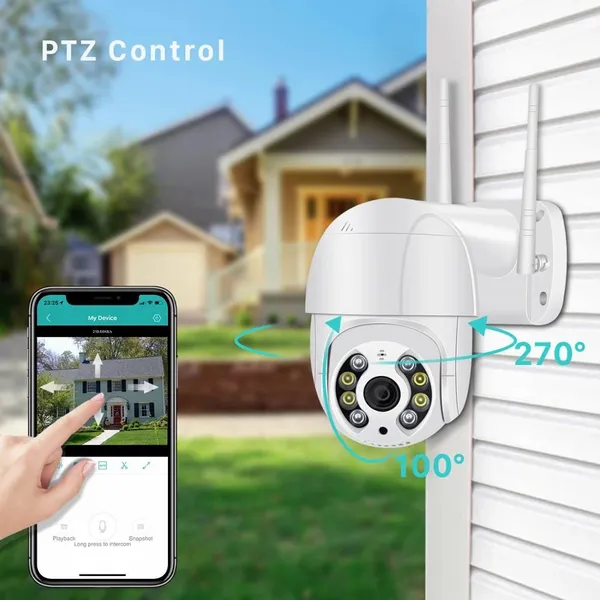 Read More
 -
How to Select Aviation Connectors and Cable Models?
September 29, 2026The core logic behind selecting aviation connectors and cables is to first match electrical and signal requirements, then ensure m Read More

Contact Us
Recommended Products
-
 1300Mbps USB 3.0 WiFi Adapter Network Card Dual Band 2.4G/5GHz Bluetooth 4.2 Wireless Receiver Transmitter For Desktop Laptop PCUS$ 14 - 20MOQ: 100 Units
 -
WiFi 6 USB Adapter Bluetooth 5.4 Dual Band 2.4G 5G Antennas WiFi6 USB Network Receiver Dongle Driver Free Win 10/11 For PCUS$ 14 - 20MOQ: 100 Units
-
5x Optical Zoom Network Camera Module Mini Optical Zoom Camera Optical Zoom, MacroUS$ 43 - 45MOQ: 50 Units
-
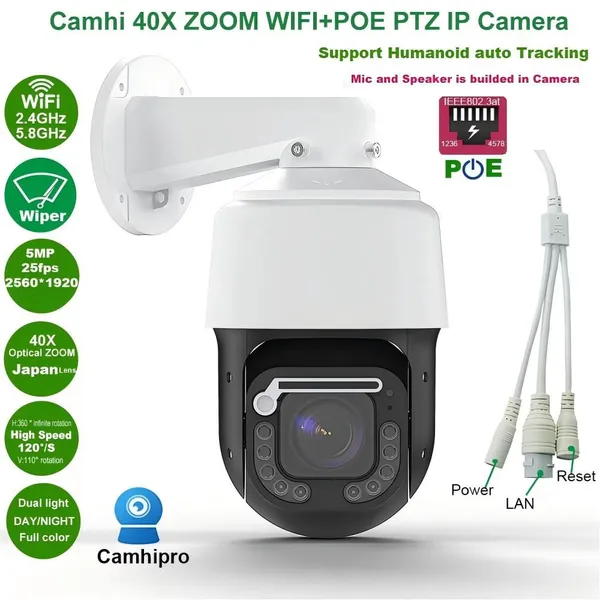
5MP 25fps 40x Zoom Wiper Surveillance Camera; Security Camera; Network CameraUS$ 200 - 220MOQ: 100 Units
-
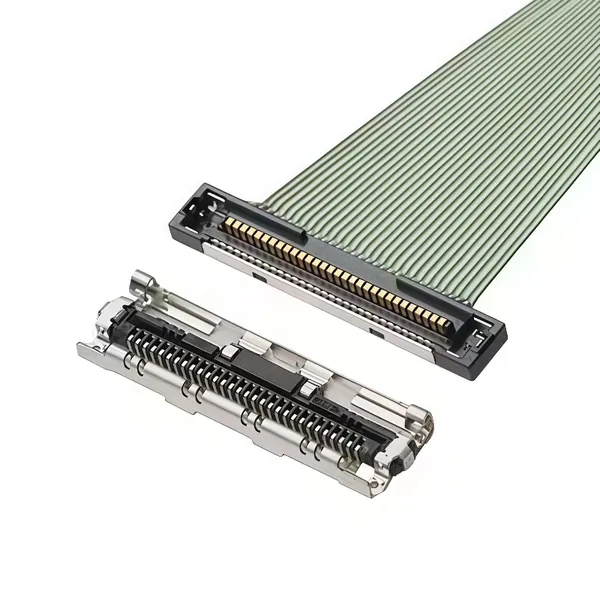
EDP Ultra-fine Coaxial Cable 20453-030T 20633-040T 20345-040T 20877-030TUS$ 9 - 15MOQ: 100 Units
-
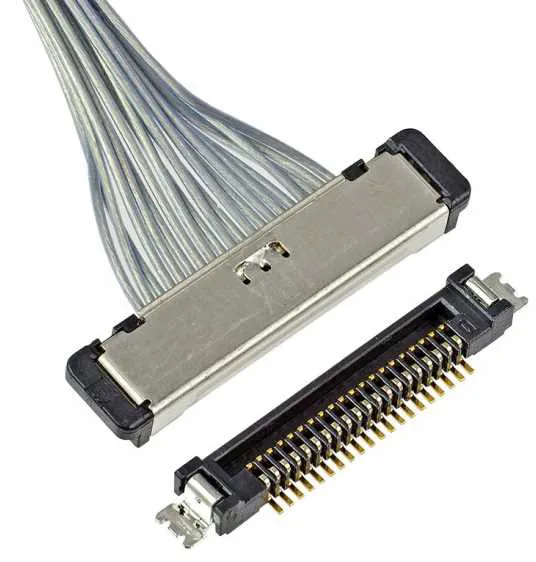
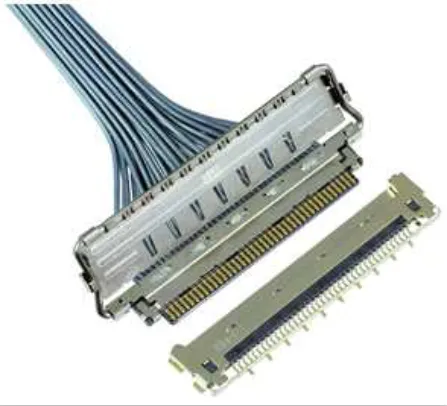
EDP Cable LVDS Harness VBYONE Harness Coaxial Cable 0.5 Pitch 20/30/40/50pinUS$ 7 - 15MOQ: 100 Units
-
MIPI Cable, FPC Cable, Camera Cable, Drone HD Cable, Surveillance Camera HarnessUS$ 8 - 10MOQ: 100 Units
-
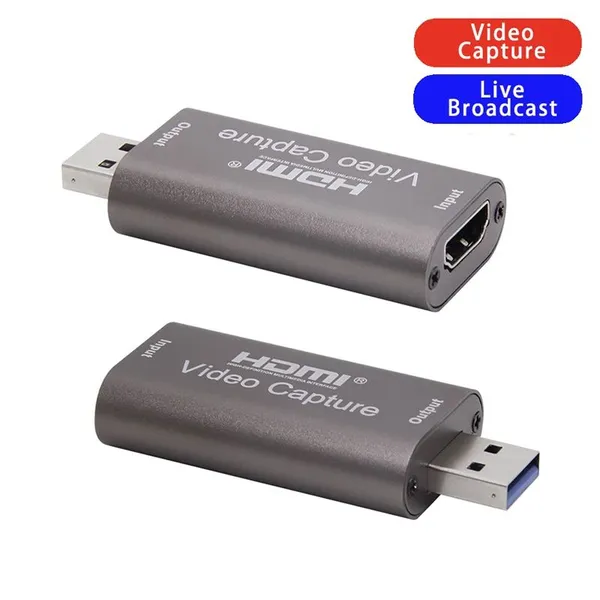
4K Video Capture Card USB 3.0 USB2.0 HDMI-compatible Grabber Recorder for PS4 Game DVD Camcorder Camera Recording Live StreamingUS$ 3.0 - 4.0MOQ: 1000 Pieces
-
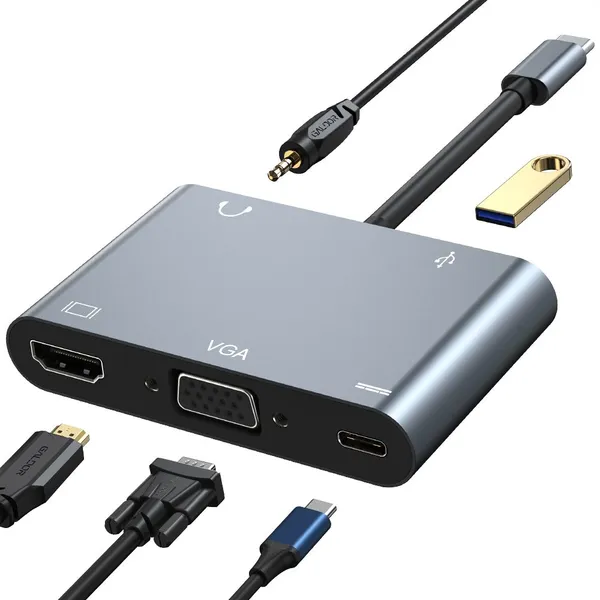
LU USB 3 Port USB C HUB to Multi USB 3.0 HDMI Adapter for MacBook Pro USB C HUB Laptop Docking StationUS$ 19 - 20MOQ: 500 Pieces
-
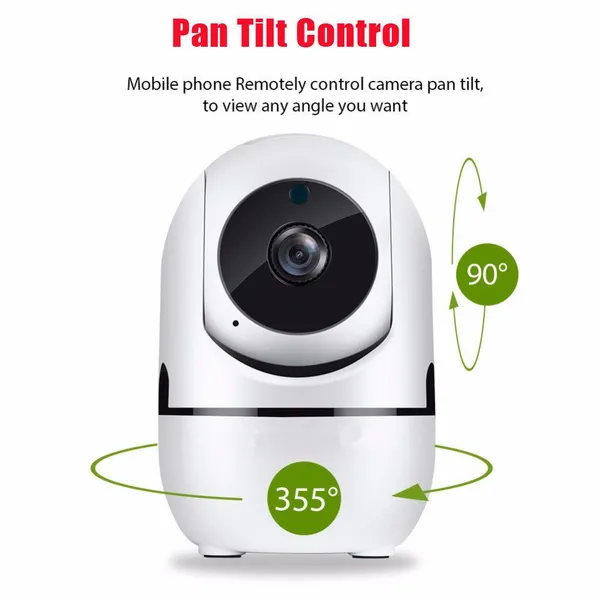
1080P FHD Human Auto Tracking Wireless IP CCTV Cameras P2P YCC365 APP Human Track Home Security Surveillance CameraUS$ 19 - 20MOQ: 500 Pieces
-
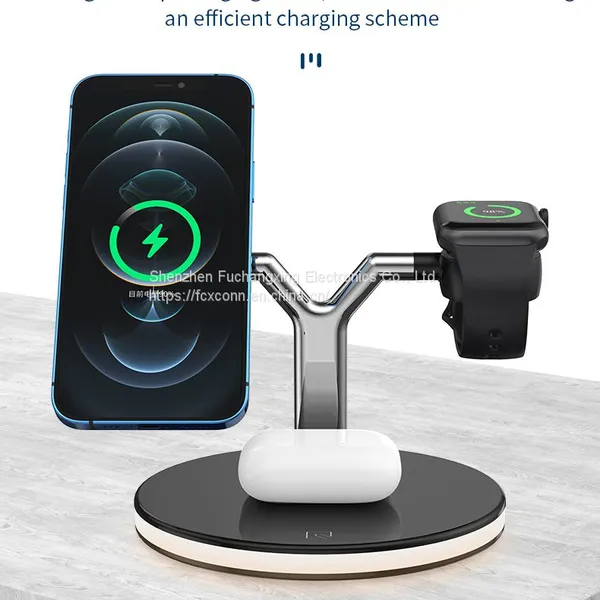
15W 3 In 1 Wireless Chager for IPhone 12S/12Pro IWatch Airpods Pro Magnetic Fast Charging Station Dock Stand Touch LightUS$ 9.5 - 10.5MOQ: 500 Pieces
-
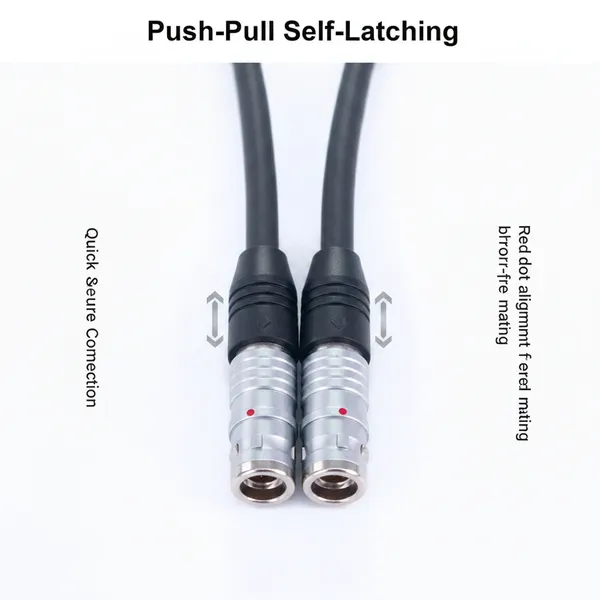
Custom 7Core Aviation Plug Cable Push-Pull Self-Locking Connector Industrial Grade Shielded Wire for Automation Test InstrumentsUS$ 23 - 25MOQ: 100 Units
-
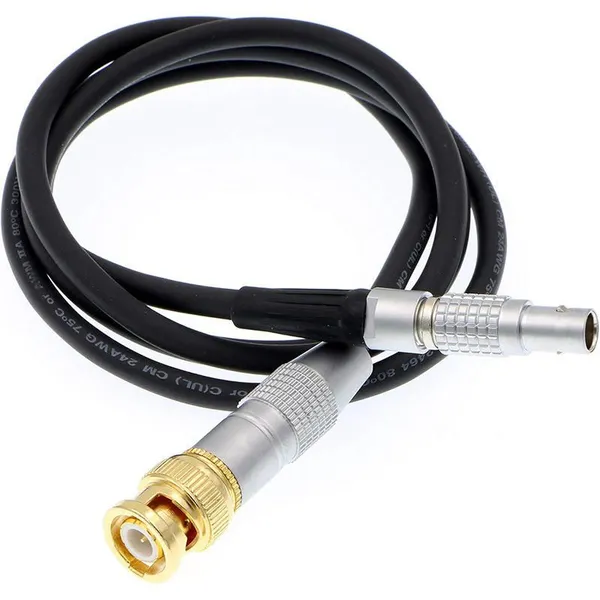
Custom Copper Conductor BNC Male to Push-Pull Self-Locking 5-Pin Male PTFE Insulated 1 Meter Power CableUS$ 23 - 25MOQ: 100 Units
-
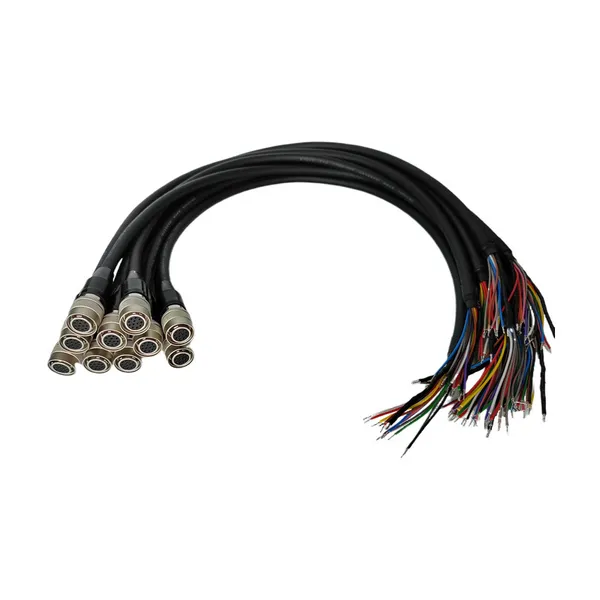
For HR10 Compatible 12Pin Industrial Camera Trigger Cable Push-Pull Self-Locking Drag Chain IP67 Rated for Wire ConnectionsUS$ 23 - 25MOQ: 100 Units
-
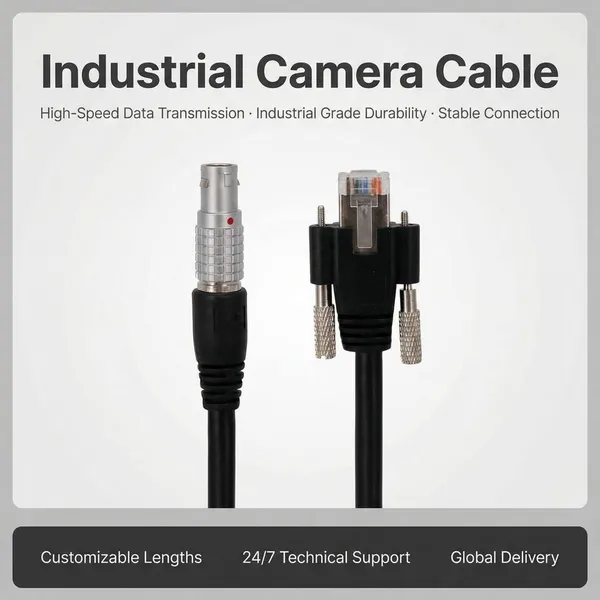
Push-Pull RJ45 Auto Wire Harness M12 Self-Locking Crystal Head PVC Ethernet Cable Industrial Vision AutomationUS$ 18 - 20MOQ: 100 Units
-
Custom Push-Pull Self-Locking Connector Cable Flexible Copper Conductor PVC | 12V 500mm Industrial-Grade Medical Devices TestUS$ 18 - 20MOQ: 100 Units
-
EGG ECG HGG FGG FSB Push Pull 0B 00B 1B 2Pin Connector 3Pin 4 Pin 5Pin Plug for Data Transfer Equipment DeviceUS$ 8 - 10MOQ: 100 Units
-
MS5015 Style 14 Pin 22-19 Radio Spec Connector 90 Degree Circular Adaptor Terminals Copper Contact Material Power ApplicationUS$ 18 - 20MOQ: 100 Units
-
High Quality Mini Coaxial Alternative Medical Cable Electrical Male Female Compatible DIN Metal Connector Quality SupplyUS$ 8 - 10MOQ: 100 Units
-
MIL Aviation Plug Waterproof Connectors Factory Supply 20-29S 17pins Servo Motor Connector Encoder ConnectionUS$ 8 - 10MOQ: 100 Units