
 Business License

How to Repair a FAKRA Connector?
The core principles of FAKRA connector repair are: prioritize non-destructive cleaning, avoid aggressive sanding, and replace the connector immediately if irreversible damage occurs. The standardized repair procedures for different types of faults are as follows:
⚠️ Essential Tools Before Repair
Isopropyl alcohol (99% purity or higher), lint-free cotton swabs, lint-free cloth
Fine-tip tweezers for terminals, magnifying glass/microscope
Vector network analyzer (optional, for final RF performance verification)
FAKRA replacement terminals/connectors of the same model
🔧 Targeted Repairs by Fault Type
Loose or Misaligned Latch
First, check whether the connector is fully inserted; a characteristic “click” sound indicates proper seating. If not seated correctly, press down firmly to lock it into place.
If the latch tab is slightly deformed, use precision tweezers to gently realign the latch mechanism; if the latch tab is broken or the housing is cracked, replace the connector with a brand-new one to prevent it from coming loose again due to vibration.
Minor Oxidation/Blackening of the Center Pin
Never use sandpaper or razor blades to sand the surface, as this may damage the gold plating and contact dimensions, leading to subsequent impedance mismatch.
Use a lint-free cotton swab dipped in high-purity isopropyl alcohol to gently wipe the contact area of the center pin. Repeat 2–3 times, then dry with a clean, lint-free cloth. Allow it to air dry for 3 minutes until the alcohol has completely evaporated before re-mating the connector.
After cleaning, inspect the surface with a magnifying glass to ensure there are no residual stains or scratches, then perform a signal test to verify proper function.
Intermittent Poor Contact Fault
Disassemble the connector and inspect the crimping area. If the pins are loosely crimped to the cable, re-crimp them using specialized crimping pliers at the standard torque to ensure they do not come loose under a pull force of ≥30 N.
Check whether the male and female pins are misaligned. For minor misalignment, use tweezers to make slight adjustments to realign them; if the pins are bent or deformed, replace the corresponding terminals immediately.
Shielding Failure/Signal Interference Faults
Check whether the shielding ground terminal is loose or damaged. Re-crimp the shielding braid securely to the connector housing to ensure 360° full-circumference grounding.
Clean the oxidation layer from the mating surfaces of the connector housing to ensure continuous shielding conductivity and restore shielding density to 90% or higher.
Irreversible Damage—Replace Immediately
In the following situations, RF performance cannot be restored through any repair; a brand-new FAKRA connector must be installed immediately:
Center pin is visibly deformed, plating is peeling off, or the pin is broken or missing
Connector O-ring is aged or cracked, resulting in failure of the waterproof rating
Cracks in the housing, stripped threads, or insufficient structural strength
✅ Mandatory Verification After Repair
Visual Inspection: Confirm that the center pin has no scratches or deformation, and that the latch opens and closes smoothly without sticking.
Continuity Test: Use a multimeter to verify that contact resistance is ≤5 mΩ, with no loose connections or open circuits.
RF Verification: If possible, use a vector network analyzer to test and ensure that insertion loss and VSWR meet the original manufacturer’s standards, preventing hidden signal degradation after repair.
Vibration Test: Simulate mild vibrations typical of in-vehicle conditions to confirm that the signal does not experience sudden interruptions or abnormal fluctuations.
Recently Posted
-
What are the most common problems with surveillance cameras? How can they be repaired?
September 29, 2026Most surveillance camera malfunctions fall into four major categories: image quality, connectivity, night vision, and pan-tilt fun Read More
 -
What is a Fakra connector? What are its main functions?
September 29, 2026FAKRA connectors are a high-frequency RF connector system designed specifically for the automotive industry. The name is derived f Read More
 -
What features should a good security camera have?
September 29, 2026The core features of a good surveillance camera include clear and stable image quality, intelligent false-alarm prevention, strong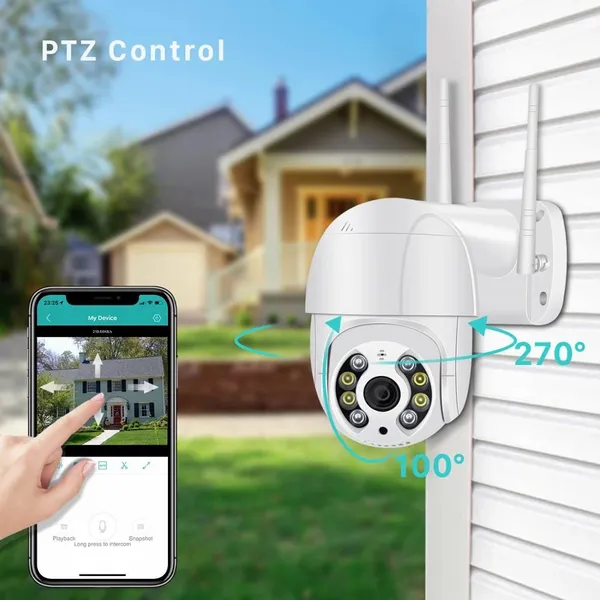 Read More
 -
How to Select Aviation Connectors and Cable Models?
September 29, 2026The core logic behind selecting aviation connectors and cables is to first match electrical and signal requirements, then ensure m Read More

Contact Us
Recommended Products
-
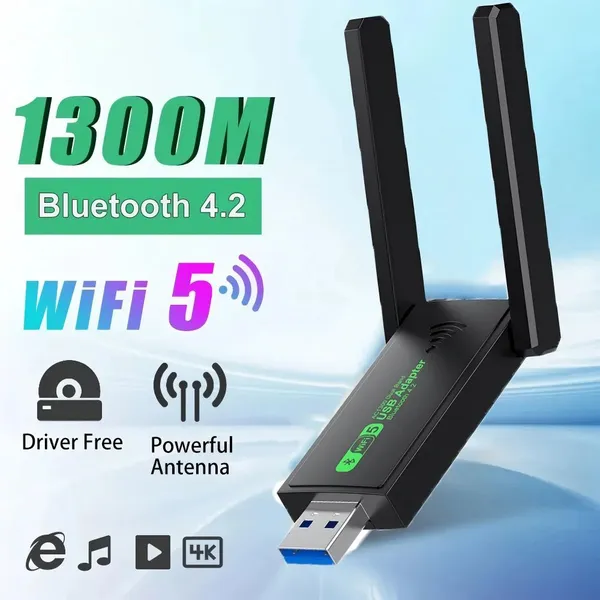
 1300Mbps USB 3.0 WiFi Adapter Network Card Dual Band 2.4G/5GHz Bluetooth 4.2 Wireless Receiver Transmitter For Desktop Laptop PCUS$ 14 - 20MOQ: 100 Units
 -
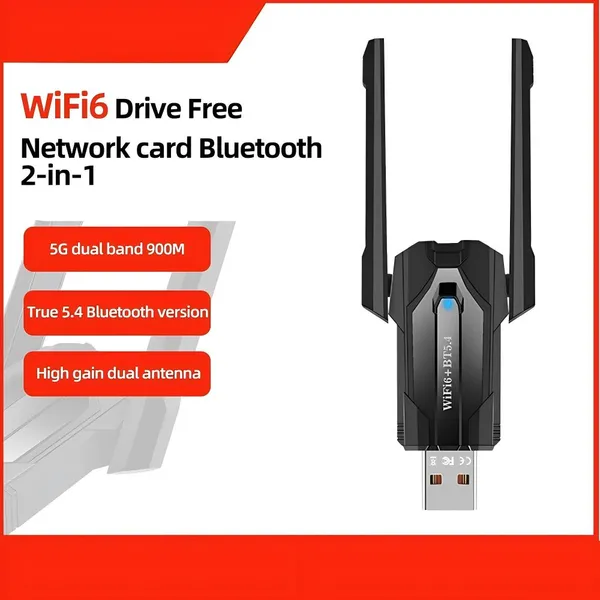
WiFi 6 USB Adapter Bluetooth 5.4 Dual Band 2.4G 5G Antennas WiFi6 USB Network Receiver Dongle Driver Free Win 10/11 For PCUS$ 14 - 20MOQ: 100 Units
-
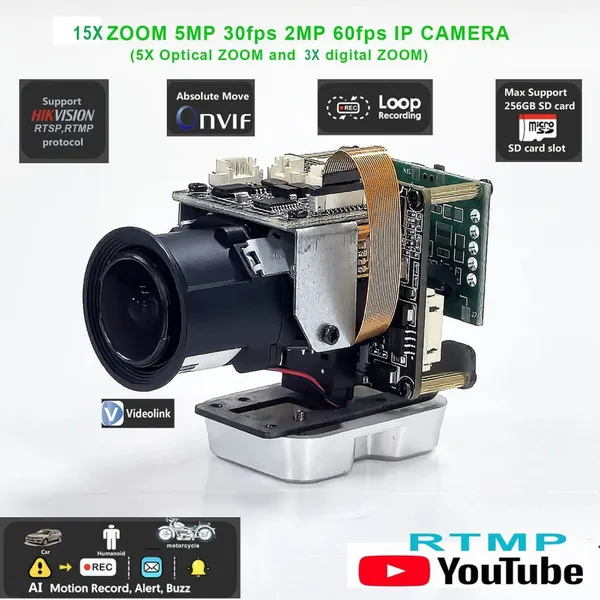
5x Optical Zoom Network Camera Module Mini Optical Zoom Camera Optical Zoom, MacroUS$ 43 - 45MOQ: 50 Units
-
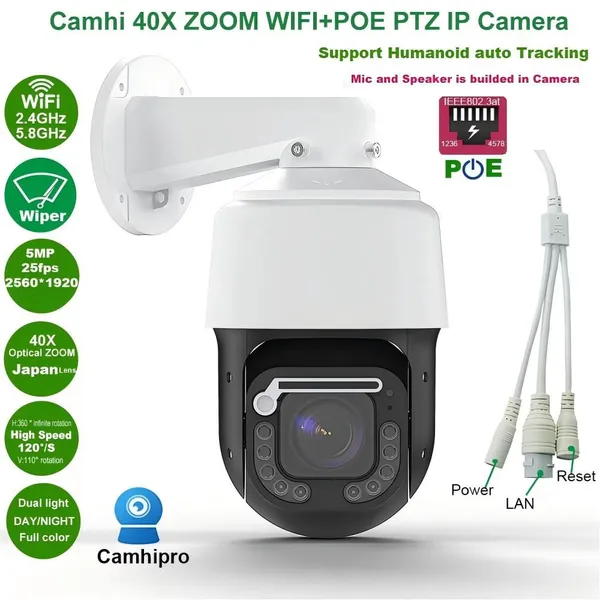
5MP 25fps 40x Zoom Wiper Surveillance Camera; Security Camera; Network CameraUS$ 200 - 220MOQ: 100 Units
-
EDP Ultra-fine Coaxial Cable 20453-030T 20633-040T 20345-040T 20877-030TUS$ 9 - 15MOQ: 100 Units
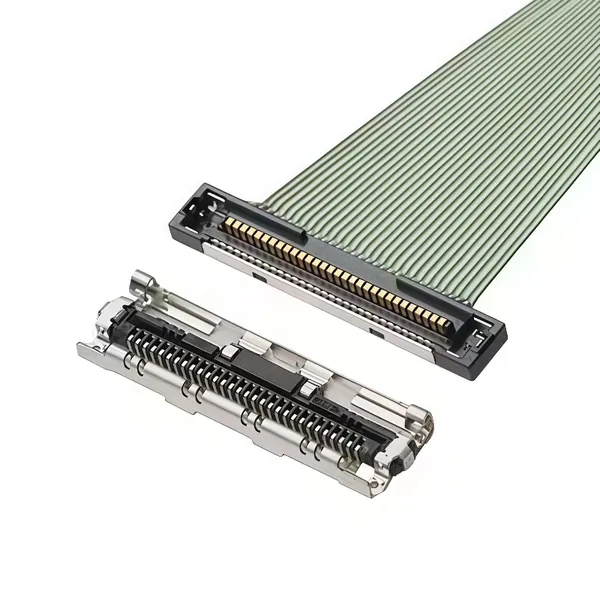
-
EDP Cable LVDS Harness VBYONE Harness Coaxial Cable 0.5 Pitch 20/30/40/50pinUS$ 7 - 15MOQ: 100 Units
-
MIPI Cable, FPC Cable, Camera Cable, Drone HD Cable, Surveillance Camera HarnessUS$ 8 - 10MOQ: 100 Units
-
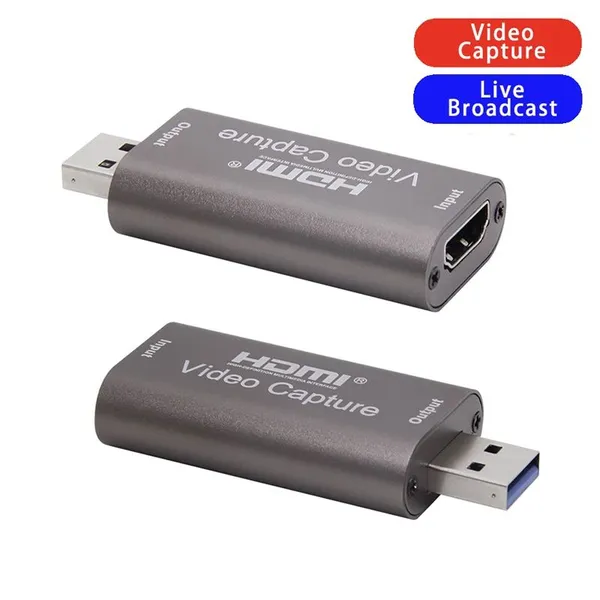
4K Video Capture Card USB 3.0 USB2.0 HDMI-compatible Grabber Recorder for PS4 Game DVD Camcorder Camera Recording Live StreamingUS$ 3.0 - 4.0MOQ: 1000 Pieces
-
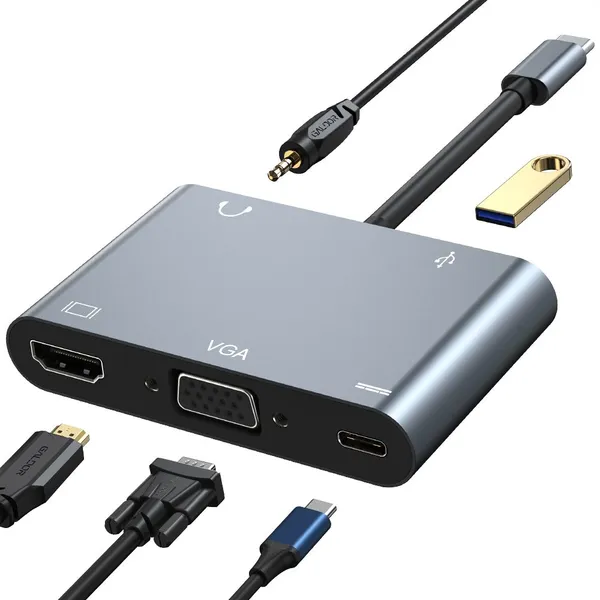
LU USB 3 Port USB C HUB to Multi USB 3.0 HDMI Adapter for MacBook Pro USB C HUB Laptop Docking StationUS$ 19 - 20MOQ: 500 Pieces
-
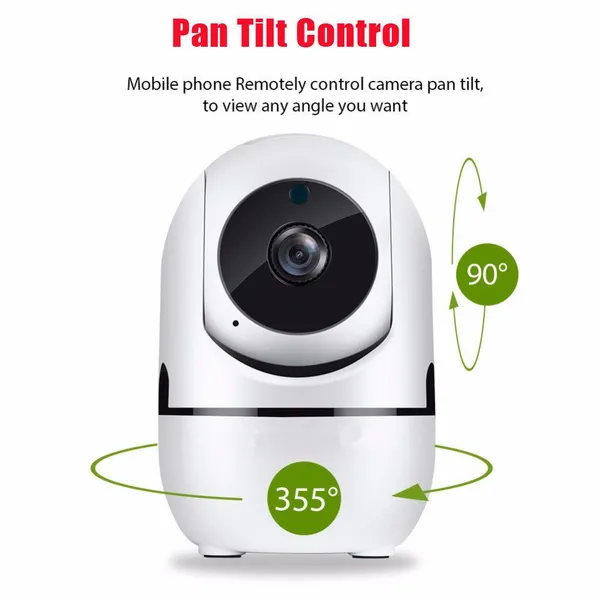
1080P FHD Human Auto Tracking Wireless IP CCTV Cameras P2P YCC365 APP Human Track Home Security Surveillance CameraUS$ 19 - 20MOQ: 500 Pieces
-
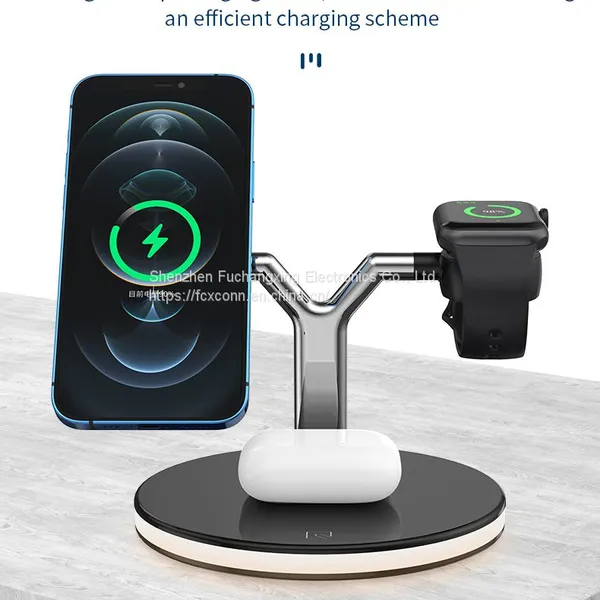
15W 3 In 1 Wireless Chager for IPhone 12S/12Pro IWatch Airpods Pro Magnetic Fast Charging Station Dock Stand Touch LightUS$ 9.5 - 10.5MOQ: 500 Pieces
-
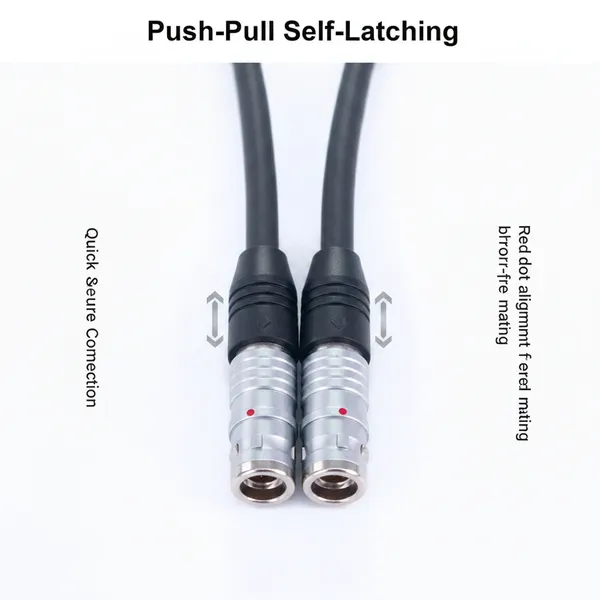
Custom 7Core Aviation Plug Cable Push-Pull Self-Locking Connector Industrial Grade Shielded Wire for Automation Test InstrumentsUS$ 23 - 25MOQ: 100 Units
-
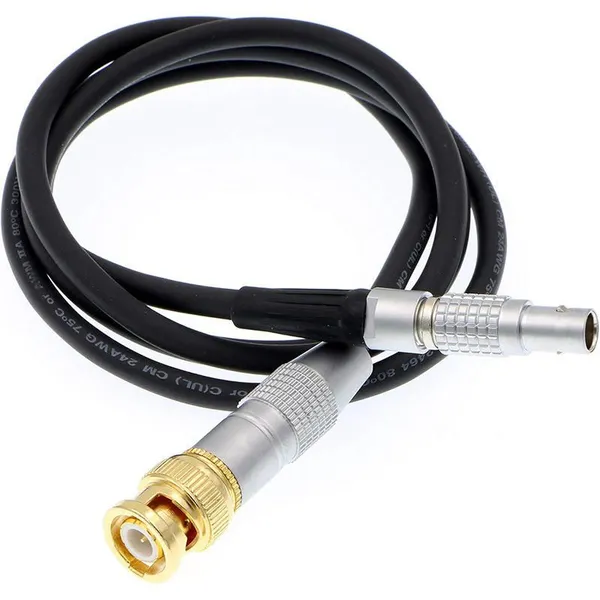
Custom Copper Conductor BNC Male to Push-Pull Self-Locking 5-Pin Male PTFE Insulated 1 Meter Power CableUS$ 23 - 25MOQ: 100 Units
-
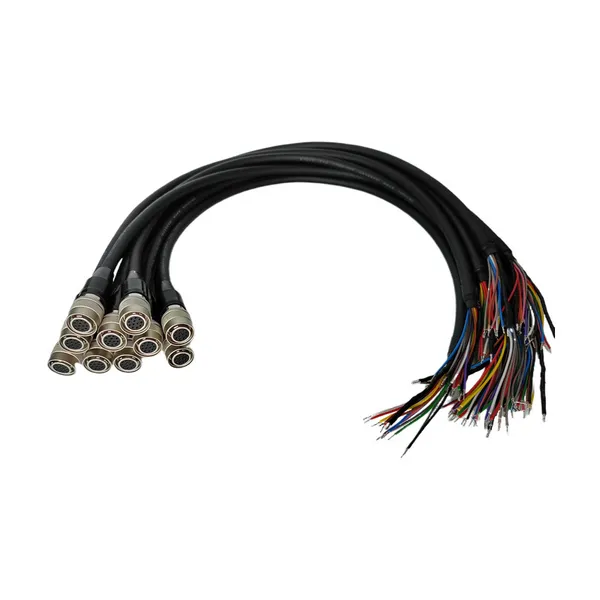
For HR10 Compatible 12Pin Industrial Camera Trigger Cable Push-Pull Self-Locking Drag Chain IP67 Rated for Wire ConnectionsUS$ 23 - 25MOQ: 100 Units
-
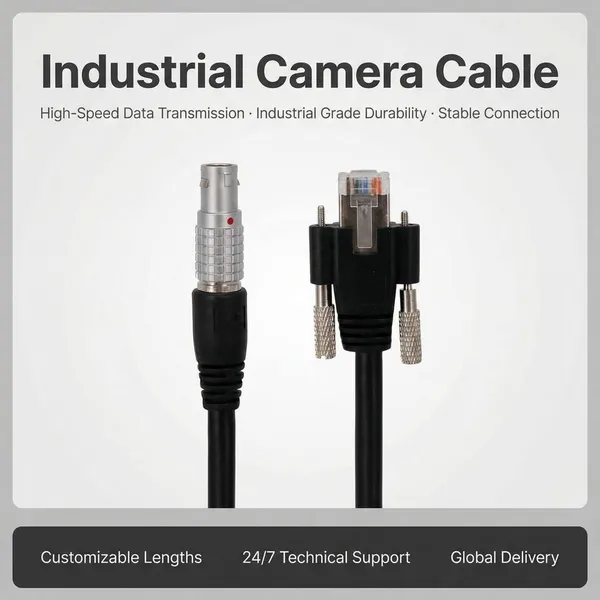
Push-Pull RJ45 Auto Wire Harness M12 Self-Locking Crystal Head PVC Ethernet Cable Industrial Vision AutomationUS$ 18 - 20MOQ: 100 Units
-
Custom Push-Pull Self-Locking Connector Cable Flexible Copper Conductor PVC | 12V 500mm Industrial-Grade Medical Devices TestUS$ 18 - 20MOQ: 100 Units
-
EGG ECG HGG FGG FSB Push Pull 0B 00B 1B 2Pin Connector 3Pin 4 Pin 5Pin Plug for Data Transfer Equipment DeviceUS$ 8 - 10MOQ: 100 Units
-
MS5015 Style 14 Pin 22-19 Radio Spec Connector 90 Degree Circular Adaptor Terminals Copper Contact Material Power ApplicationUS$ 18 - 20MOQ: 100 Units
-
High Quality Mini Coaxial Alternative Medical Cable Electrical Male Female Compatible DIN Metal Connector Quality SupplyUS$ 8 - 10MOQ: 100 Units
-
MIL Aviation Plug Waterproof Connectors Factory Supply 20-29S 17pins Servo Motor Connector Encoder ConnectionUS$ 8 - 10MOQ: 100 Units